App Store screenshots in minutes.
Upload a screenshot → AI generates text & background → Export store-ready sizes.
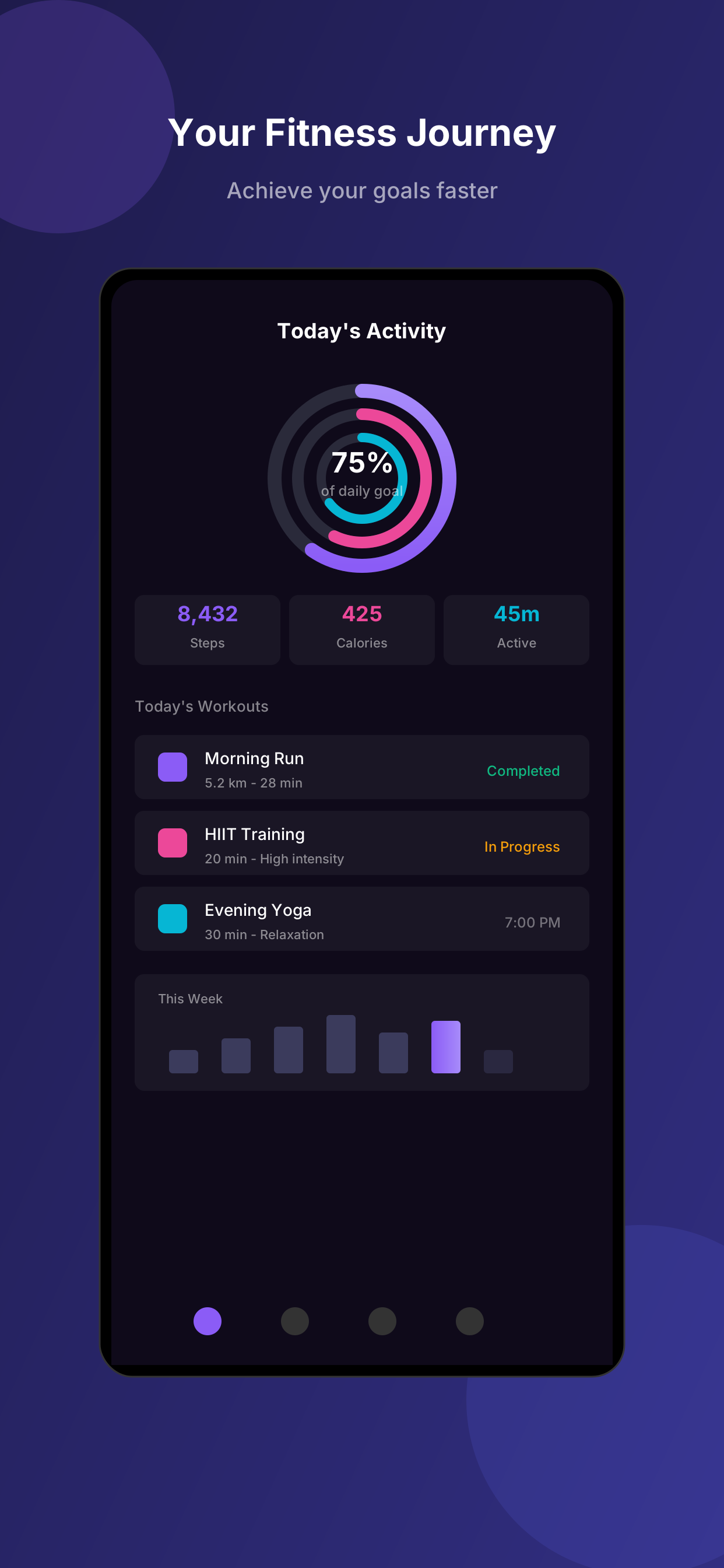
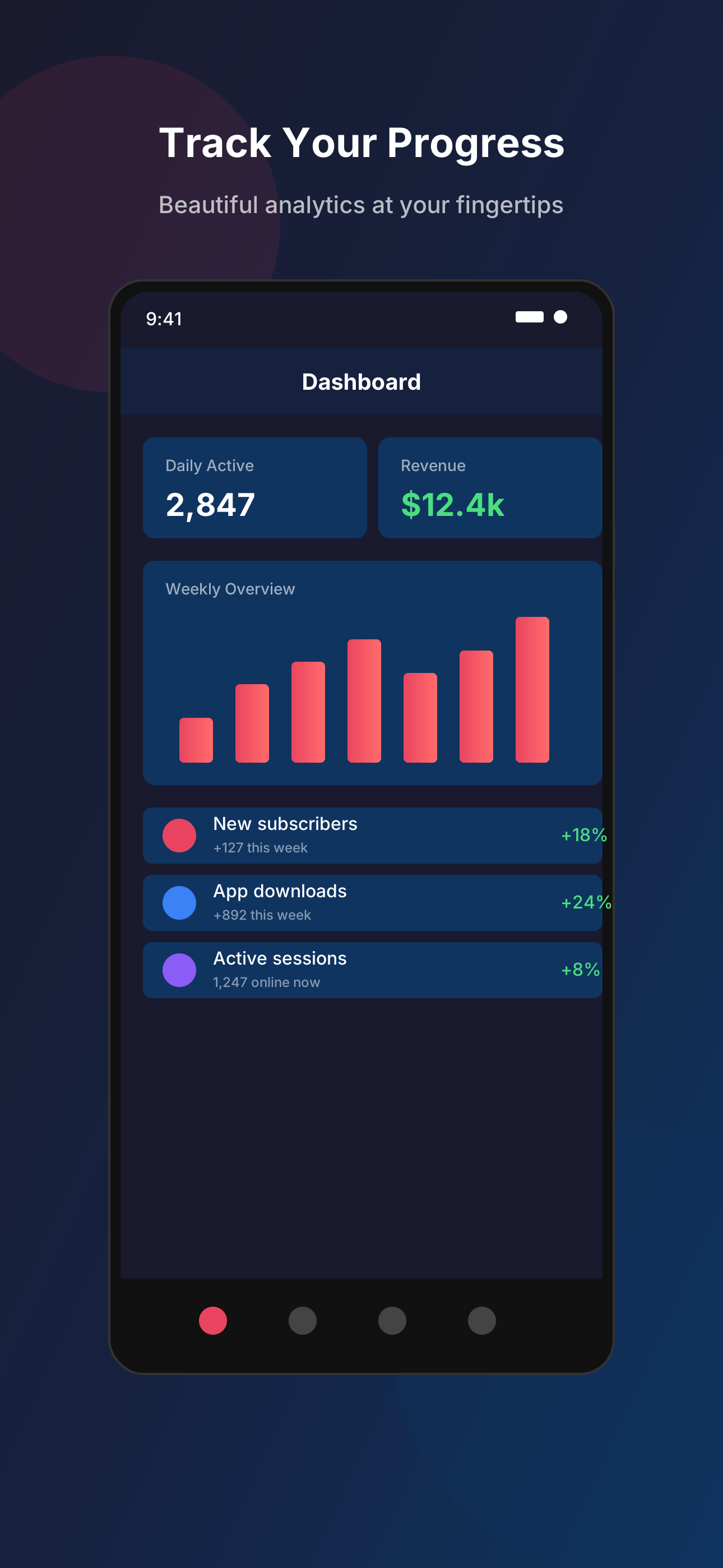
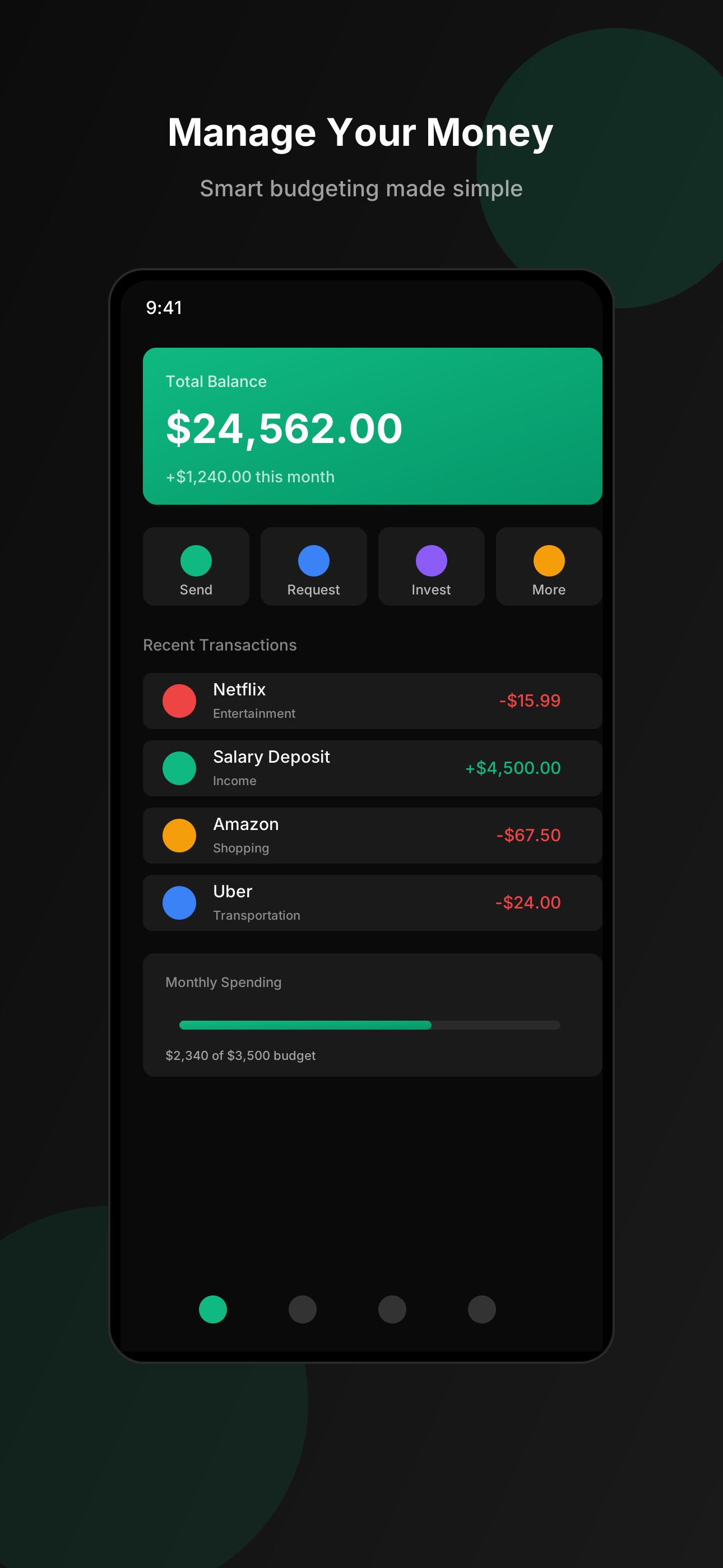
What Appshots Does
- —Generates App Store and Google Play screenshots from raw app screenshots
- —Automatically writes screenshot copy
- —Creates background images and layouts
- —Edits and frames screenshots cleanly
- —Exports exact sizes required by Apple and Google
Who It's For
- iOS developers
- Android developers
- Indie founders
- Teams shipping apps without a designer
How it works
Take a screenshot
Capture your app on your phone or simulator.
Upload it
Drop the image into the editor.
Appshots generates the rest
Text, backgrounds, edits, sizing. All handled automatically.
Export
Download pixel-perfect App Store and Google Play sizes.
Output examples
Real screenshots generated by Appshots.
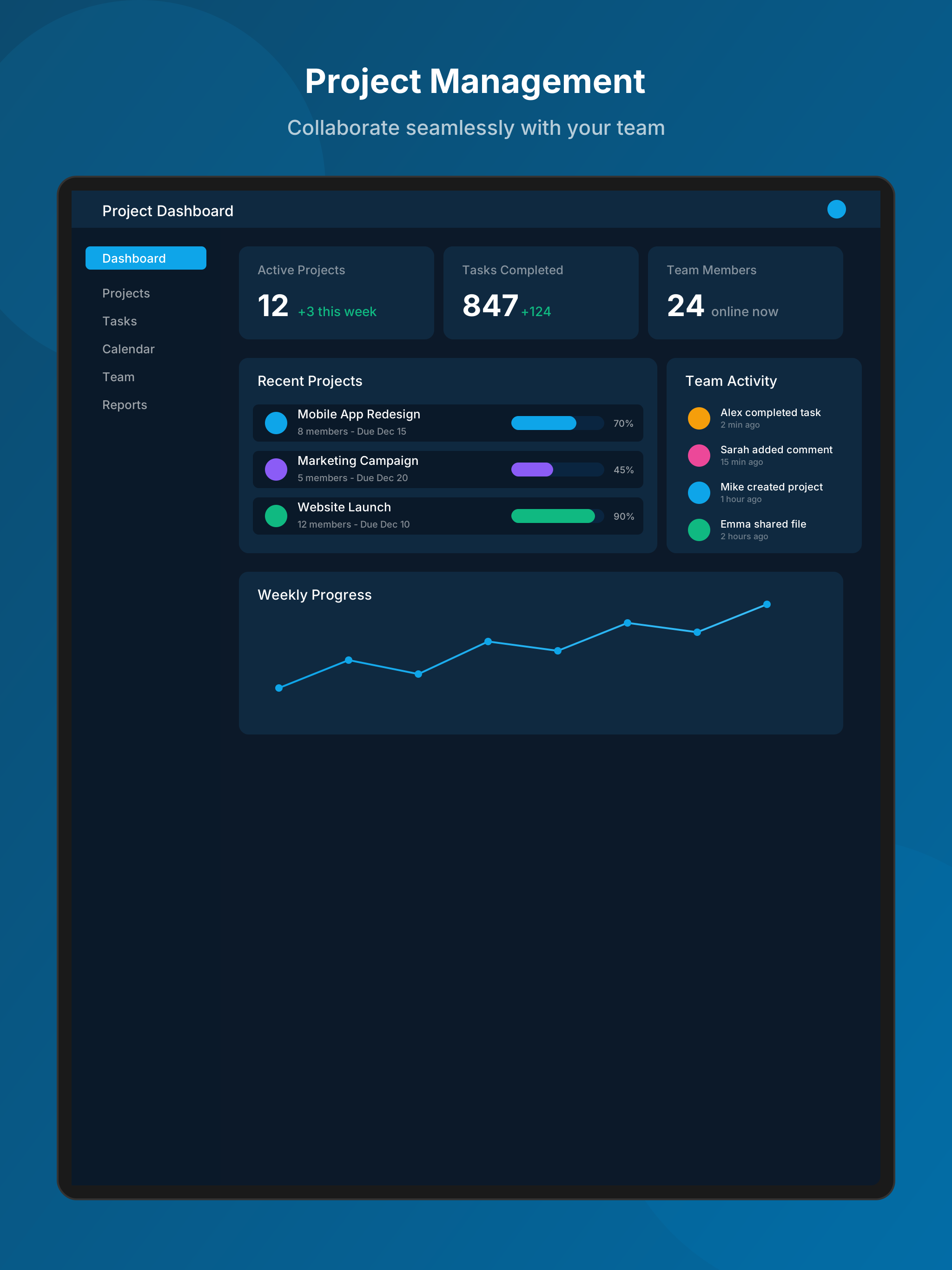
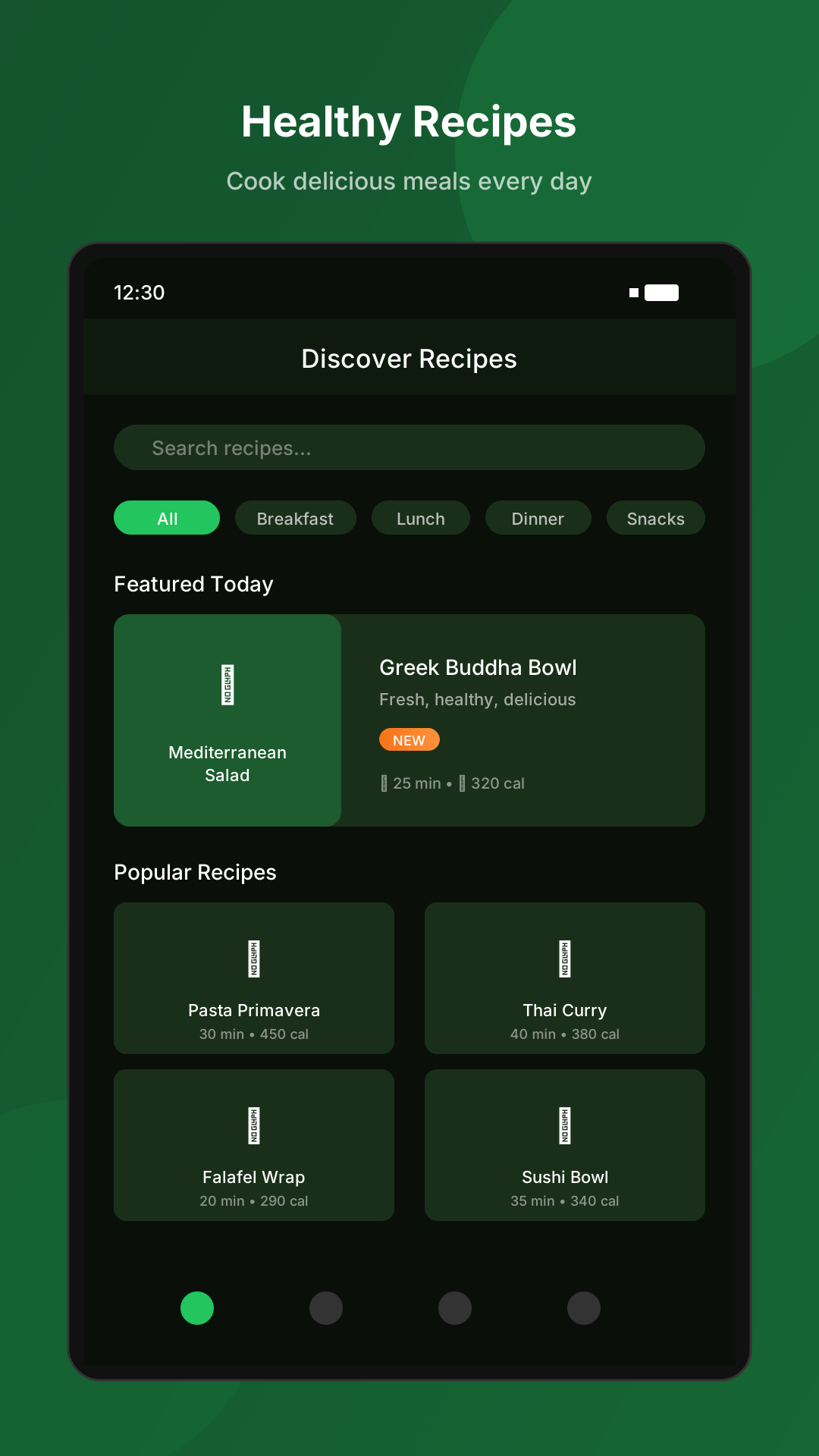
All screenshots generated with Appshots
Pricing
Start free. Upgrade when you ship more.
Free
5 exports per month
- —All device sizes
- —Background presets
- —PNG export
Pro
Unlimited exports
- —Unlimited generations
- —Background generation
- —Screenshot editing
- —Priority support
Questions
What is Appshots.dev?
Appshots.dev is a tool that turns raw app screenshots into professional App Store and Google Play screenshots by automatically generating copy, backgrounds, edits, and exact export sizes.
Do I need design skills?
No. Upload your screenshot. Appshots handles layout, backgrounds, and copy automatically.
What sizes does it export?
iPhone 6.7" (1290×2796), 6.5" (1284×2778), 5.5" (1242×2208), iPad Pro 12.9", and Google Play sizes.
What file formats work?
PNG and JPG. Works with simulator screenshots, device captures, or Figma exports.
Is there a free tier?
Yes. 5 exports per month, no credit card required.